
Integrations, shop & API
It fits into the business you already run.
PHC Rx handles the diagnosis and the prescription. Your scheduling software and your chemical supply stay where they are, and the records move between them instead of being typed twice.
Jobber
Connected in both directions.
Connect your Jobber account once and the two systems stay in step. Clients and properties come over instead of being retyped, scheduled visits show up in Jobber, and a quote approved in Jobber closes the prescription on this side.
Client updated in Jobber
Client record follows
Quote approved or updated
Prescription status follows
Job created, updated, or closed
Treatment status follows
Visit scheduled, changed, or completed
Calendar follows
If an update between the two ever fails, it is noted with the reason and tried again rather than quietly lost. Disconnect any time, from either side.
Jobber sync
ConnectedTwelve Jobber event types are handled, and each one can be forwarded to your own webhook endpoint.
Diagnose the tree, then order the chemical that treats it, without leaving the record behind.
The shop
Buy what you just prescribed.
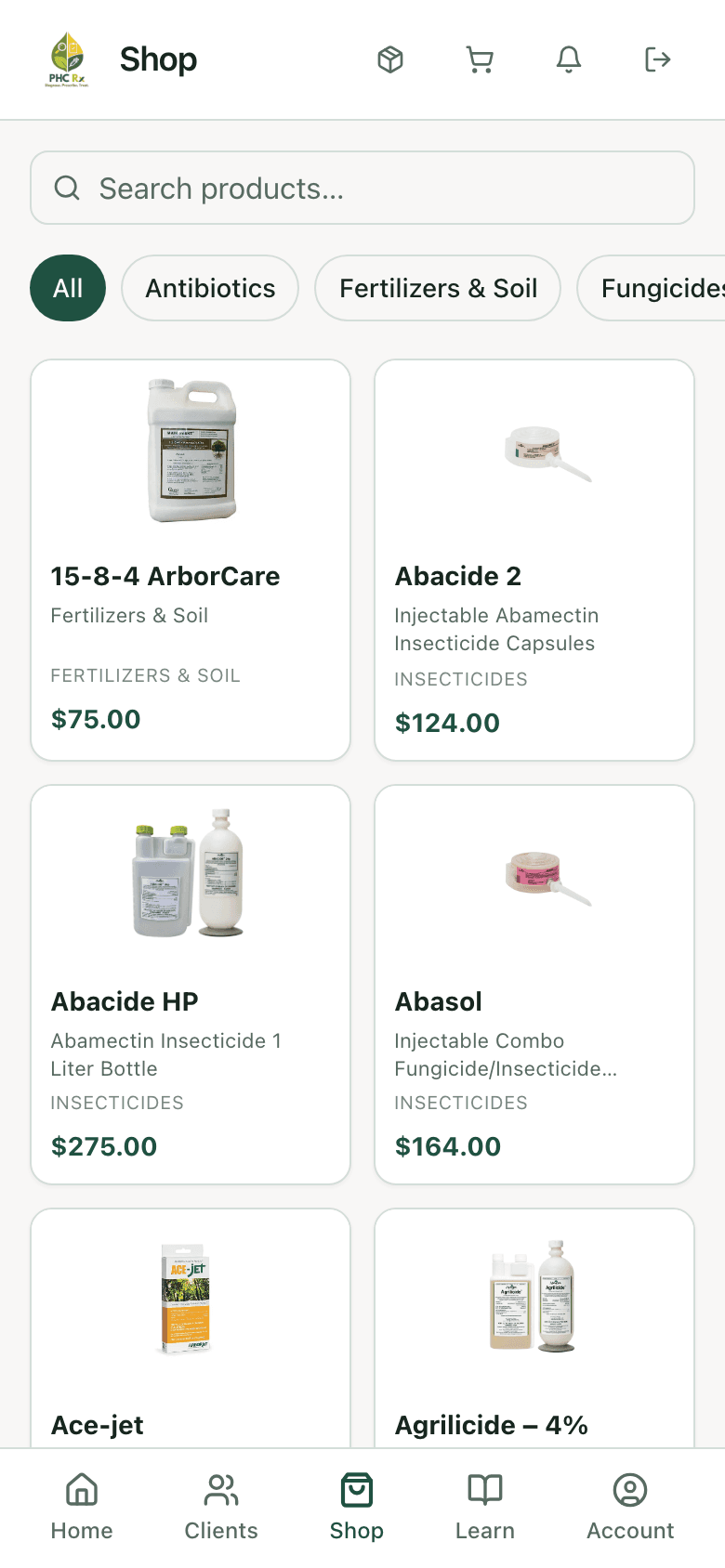
The in-app shop carries the treatment chemicals the library recommends. Cart, check out, and the order shows up in your history alongside the prescription that called for it.
The catalog lives in the app
Insecticides, fungicides, antibiotics, growth regulators, fertilizers and soil, with images, sizes, and availability.
Tied to the job
An order carries the prescription it came from, so the chemical on the shelf traces back to the tree it was bought for.
Restricted products flagged
Products that need a license or are restricted in some states are marked in the catalog, not sold blind.
History next to the work
Past orders with payment and shipping status live in the app beside the prescriptions they belong to.
Net 30
Terms for companies that earn them.
Verified companies order on Net 30. Checkout takes nothing, shipping is covered, and everything ordered that month lands on one invoice at month end instead of a separate card charge per truck load.
Verification is a conversation, not a form. Talk to us about volume and we will set the account up.
Order — from prescription #2841
Net 30Orders carry the prescription they came from, so the chemical traces back to the tree.
For your software person
Your data, on your own terms.
This part is for whoever builds or maintains software for your company. The short version for everyone else: your records are never locked inside PHC Rx, and anything you run in-house can read them and hear about changes as they happen.
The details, for the person who needs them: a REST API covers plants, clients, treatments, pricing, and diagnoses, with API key or OAuth 2.0 authentication. Webhooks push changes out as they happen, signed so your endpoint can verify the request came from us. Jobber events come through the same channel.
API & webhooks
SignedExample payloads ship in the app for every event type, so you can build against them before you connect.
Also connected
A few more connections.
Jobber sync and the API and webhooks above cover the big connections. These smaller ones run in the background so you don’t have to think about them.
Address autofill
Type three words, get the property.
Maps
Plant pins, property maps, site views.
Email delivery
Reports, invites, and reminders, and you can see when one gets opened.
Data export
Your records out, whenever you ask.