
The platform
Everything between a symptom and a signed-off treatment.
One subscription covers the whole loop: diagnosis, treatments, label checks, client approval, scheduling, risk assessment, and the paperwork that proves all of it happened. Nothing lives in a separate notebook or a separate app.
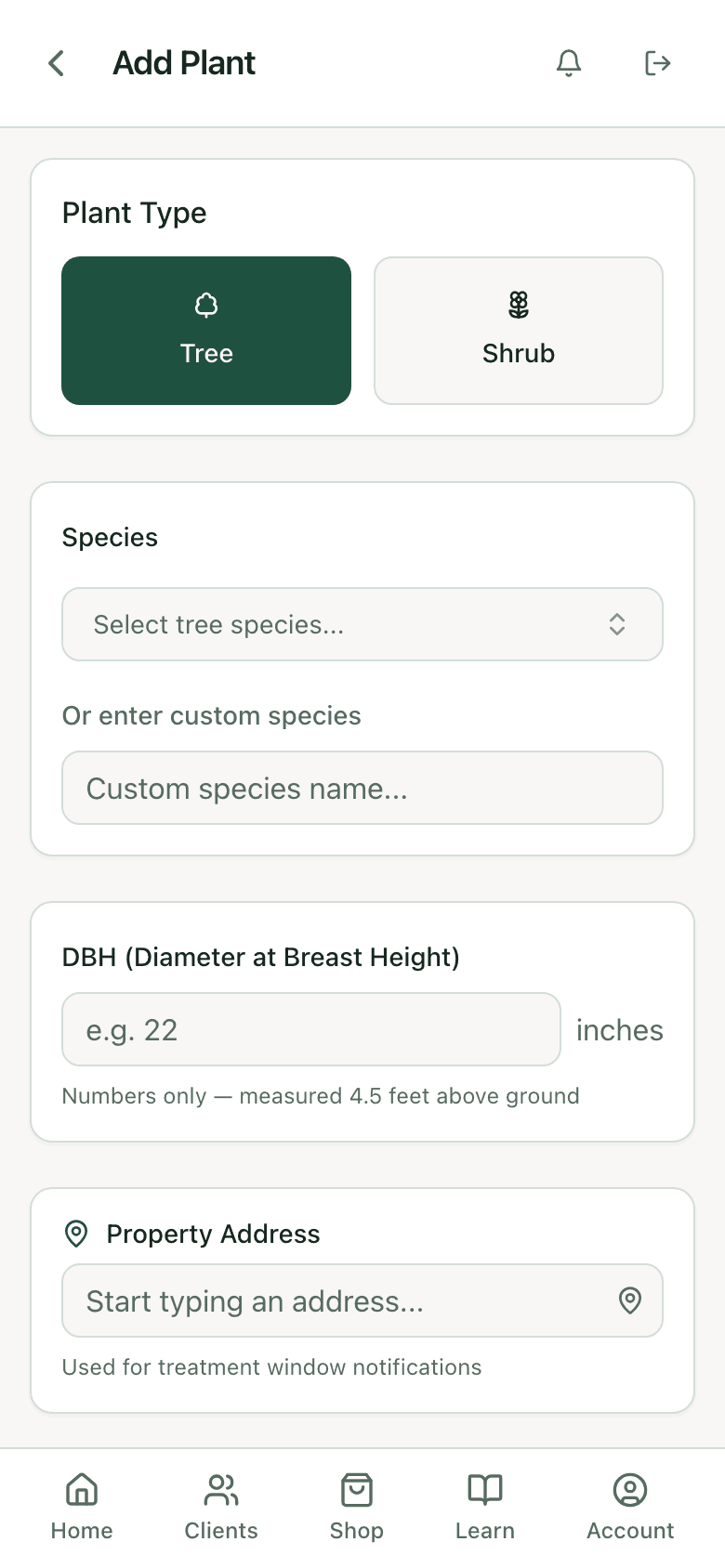
Clients & plant records
Every tree gets a chart.
A plant record is the file that follows a tree for as long as you service it. Shrubs and hedges get their own fields too, so a boxwood run prices the way a boxwood run actually works.
What it is
Species, tree or shrub, job number.
How big it is
DBH, height, spread, hedge length, treated area.
Where it stands
GPS pin, address, and a note on where to find it.
What it looks like
Photos straight off the phone, with a primary image.
What you found
Symptoms, signs, positive IDs, site stress.
What happens next
Status, follow-up date, treatment notes, completion.
Diagnosis
Five steps, same order, every tree.
The app walks a technician through the same disciplined process every time: environment, symptoms, positive ID, signs, diagnosis. Junior staff run the senior arborist’s process without the senior arborist standing over them.
Evidence is weighted as you enter it. What you confirmed with your own eyes counts for more than what you suspect:
Positive ID — you identified the organism
100%
Confirmed sign
90%
Suspected sign
50%
General symptom
20%
The confidence rating reads high, medium, or low, says why, and when it reads low the app tells you what would raise it.
Diagnosis — 12 Oak Ridge Ln
Confidence 86%Add a second positive ID to raise confidence above 90%.
Treatment library
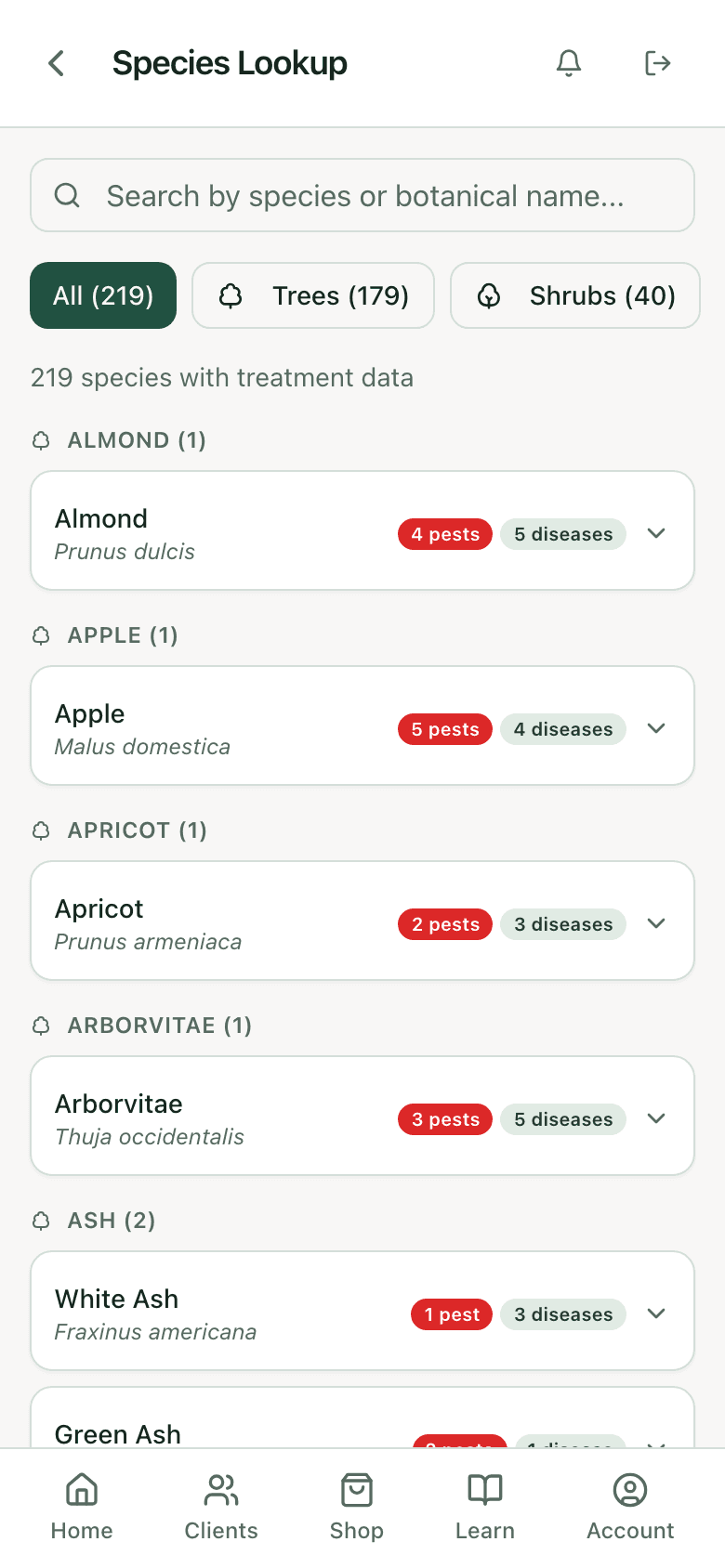
220 species, each with a full treatment.
Every species lists what attacks it, and every pest and disease carries a complete treatment: product, active ingredient, rate, timing, delivery method, whether a surfactant is required, and how often it repeats.
Behind the species list sit 138 reference entries, insect biology and feeding habits, seasonal timing tables, and good-better-best treatment options with cost and how long each one holds.
Meet something the library hasn’t? Log it as a custom species and keep working, then request that it be added.
The label is the law. PHC Rx reads it before you sign your name to the treatment.
Label compliance
Six checks, run every time.
Before a treatment leaves the app, PHC Rx compares what you are proposing against the registered label for the product you picked.
Target pest
Is the pest you diagnosed actually named on the label?
Host species
Is the tree or shrub in front of you a listed host?
Timing window
Does the month you scheduled fall inside the label window?
Delivery method
Foliar, soil, trunk injection, bark spray: is your method approved?
Reapplication interval
Has enough time passed since the last application on this plant?
Where you are
State-level restrictions on the product, where they apply.
Label check
1 warningLast application was 14 days ago. Proceed with a documented override, or reschedule.
Each check comes back compliant, warning, violation, or unknown, with the label itself one tap away. A warning does not stop you. Your judgment still governs the treatment, and there are good reasons to override one. What changes is that the override is recorded, so a year later the file shows you knew.
Labels get into the app by being read page by page. A person reviews and approves every one before it reaches anyone’s prescription.
Prescriptions & reports
A document your client can actually approve.
A prescription is the quote and the work order at once: products and dosing, priced services, the property address, the scheduled date and technician, notes your client sees, and notes only your crew sees.
Send it and your client opens one link. No account, no password, nothing to print and scan back. They approve or decline, and a decline asks for a reason, which is worth more to you than the approval was.
Reports go out as a PDF or a web page, and you can see when one gets opened. Your company name, logo, and certifications sit at the top of every document.
Prescription — sent to client
Awaiting approvalApproved or declined through one link. No account needed on the client's end.
Treatment schedule — 12 Oak Ridge Ln
4 visits queuedWorking days and a per-day job ceiling keep the calendar honest about what the crew can reach.
Scheduling & follow-ups
The calendar remembers so you don’t have to.
Pick a treatment and the follow-up visits go on the calendar by themselves, spaced the way that product calls for, with the technician assigned and the plant attached.
Reminders go out ahead of every date, by however many days you choose.
Working days and a cap on jobs per day stop you booking a crew that is already full.
A completion record closes the loop: what was applied, at what dose, on what date. The next diagnosis on that tree is a comparison, not a fresh guess.
Risk assessment
TRA, in the same app.
Nine guided steps cover tree information, targets, site factors, tree health, load factors, defects, summary, mitigation, and sign-off. Defects are recorded where they occur, crown, trunk, and root collar, with photos on each.
The scoring is based on proven tree risk assessment forms and industry standards, and lands on a risk rating of low, moderate, high, or extreme, plus residual risk after mitigation, a suggested inspection interval, and a work priority.
The report writes its own narrative from the ratings and goes out under your branding. No separate spreadsheet, no retyping.
Risk assessment — TRA
Rating: HighExports into the same client report as the diagnosis and prescription.
Teams
One company, one set of records.
Roles that fit a crew
Owner, admin, and member each see the right amount. Invite by email and new hires land in your company on their own.
Shared plant records
Share a record with the team and the whole crew works from the same file, on the phone and in the office.
Your name on every report
Company branding is set once and applies to every report anyone on the team sends.
Learning & certification
Training that ends in a certificate.
Courses break into lessons with quizzes, each scored and tracked per person. Finish a course and a certificate issues with its own number and a public verification page, so a client or an employer can check it without going through you.
For a company owner, this is the part that makes a new technician useful faster: the same process they will run in the field, taught in the app they will run it in.
Reference tools
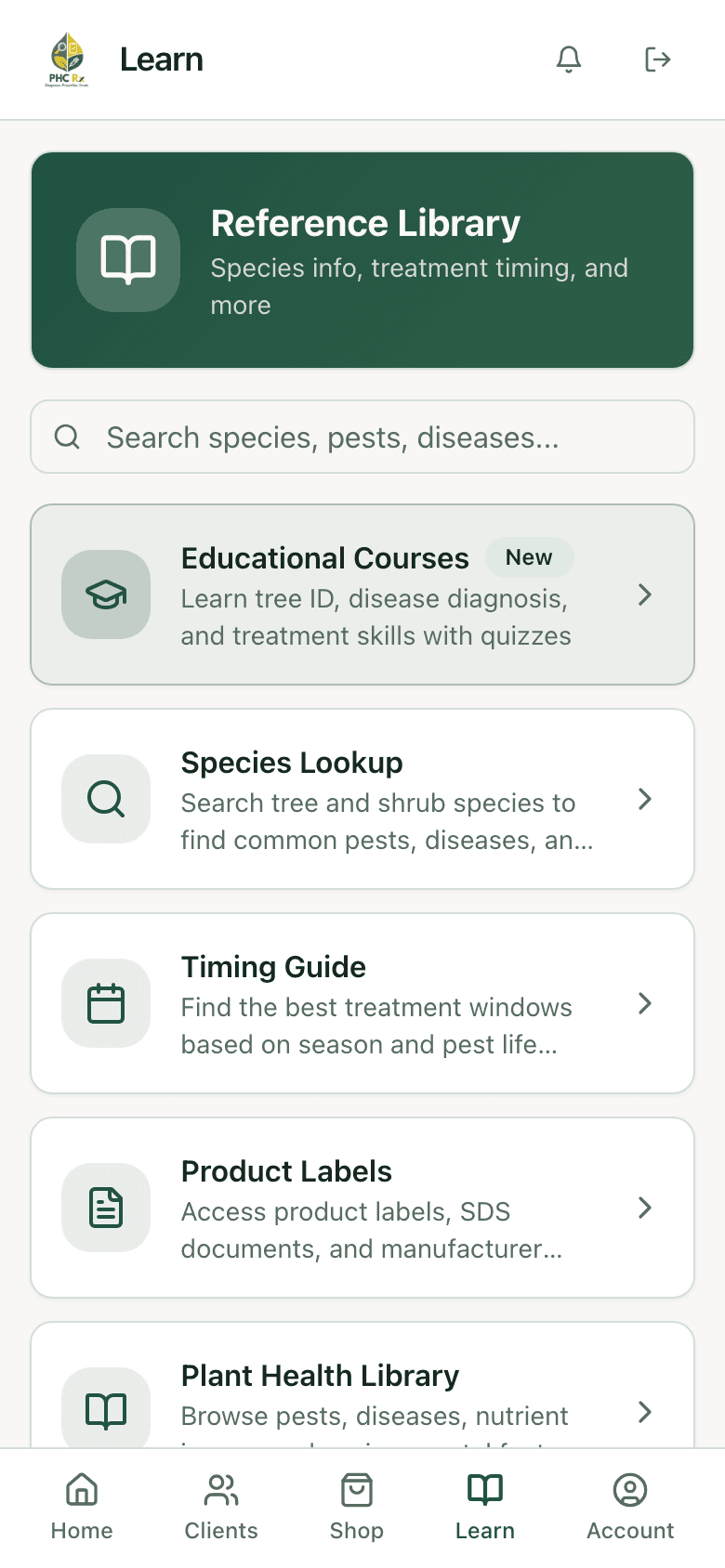
The answers, without the browser tabs.
You set your own climate type and hardiness zone. The app knows whether your winters produce real dormancy and times treatments accordingly, which is why it holds up in Phoenix and in Minneapolis.
Pest & disease library
138 entries, each written to be read out loud to a client standing next to the tree.
Species lookup
Search 220+ species by common or botanical name, alternate names included.
Treatment timing guide
Application windows set by your climate and hardiness zone, not one national calendar.
Product labels
System products, your own inventory, and manufacturer listings in one place.
Rate calculator
Dose and injection site count from DBH, using the manufacturer rate bands.
Your service rates
Eleven service types with default rates, every one yours to change, flat or per inch of DBH.
Plans
Priced by crew size.
Every plan includes unlimited diagnoses, unlimited reports, timing guidance, and your own service pricing. Team plans add shared records, company branding, and member management. Annual billing runs two months free, and every account starts with a 7-day trial.
See full pricingPlans
7-day trialAnnual billing is ten months for twelve on every plan.